Most common school pick
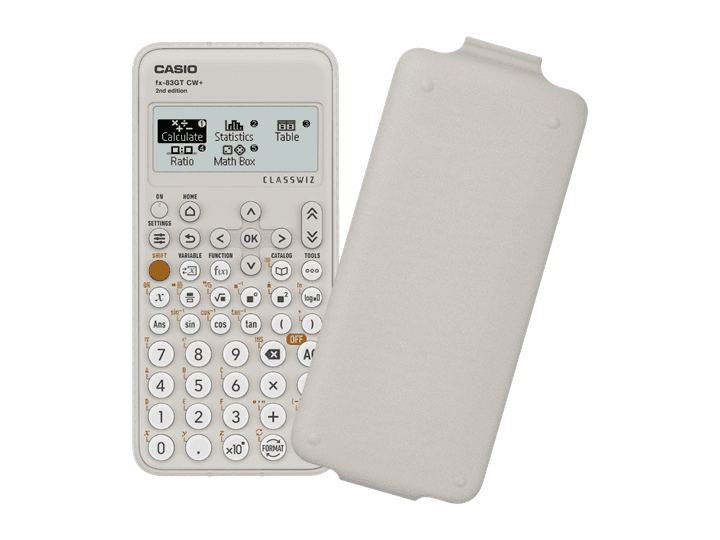
Casio ClassWiz GCSE Scientific Calculator
Secondary school, GCSE maths, and everyday scientific work
The layout is widely taught in UK classrooms, so students can follow teacher demonstrations quickly.
View on Amazon.co.uk
Guide - Calculator Buying
For school, the best calculator is usually the one the teacher expects to see. A familiar layout saves time in class, makes homework easier to follow, and reduces exam-day surprises.
Product links go to Amazon.co.uk with the affiliate tag applied.
Most common school pick
Secondary school, GCSE maths, and everyday scientific work
The layout is widely taught in UK classrooms, so students can follow teacher demonstrations quickly.
View on Amazon.co.uk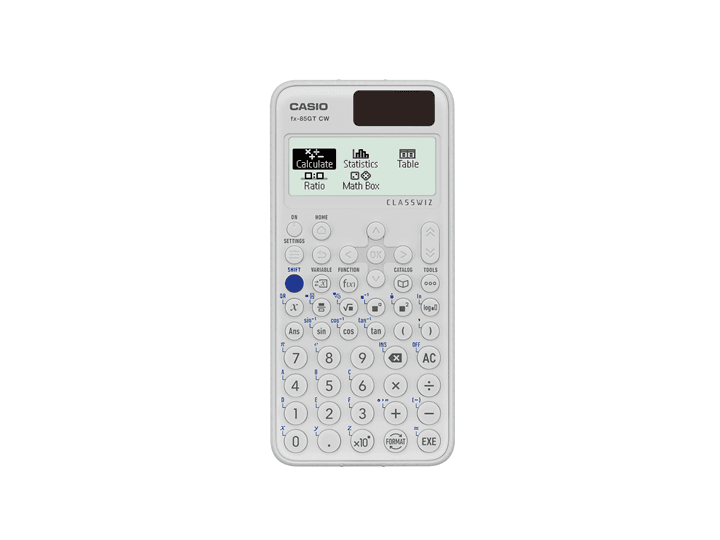
Solar GCSE option
Students who want the familiar school layout with dual power
Very similar classroom workflow to the standard GCSE ClassWiz, with solar plus battery power for daily use.
View on Amazon.co.uk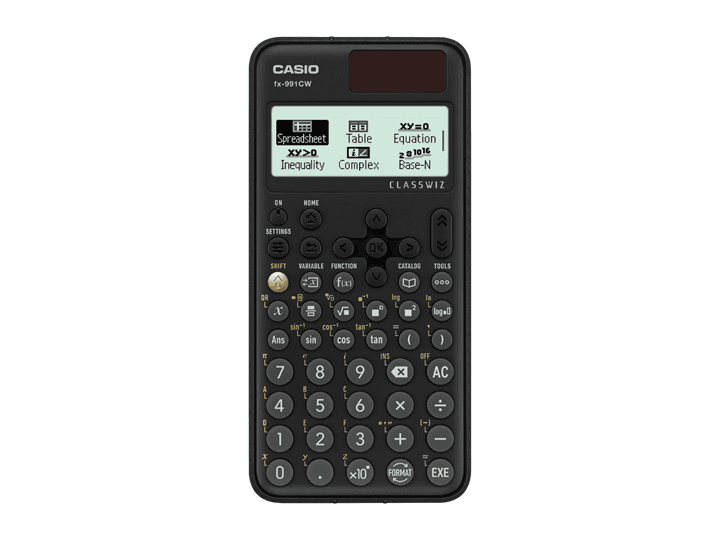
Sixth-form step up
A-level maths, sciences, and advanced secondary work
Adds deeper scientific functions such as equation solving, matrices, vectors, and distributions for older students.
View on Amazon.co.ukMany maths departments teach button sequences for one or two common models. Matching that recommendation is worth more than a long feature list, especially for younger pupils who are still learning the basics.
For UK public exams, check the current exam-board and centre guidance before buying anything unusual. JCQ guidance says there is no complete list of allowed calculators, and centres are expected to make sure calculators are compliant.
For primary pupils, look for a large display, large keys, percent, square root, memory keys, and a hard-wearing case. Solar plus battery power is useful because it reduces the chance of a flat battery in class.
Avoid buying an advanced scientific calculator too early unless the school asks for one. Extra modes can confuse pupils who only need arithmetic, fractions, and basic checking.
For KS3 and GCSE, a scientific calculator with fractions, powers, roots, trigonometry, statistics, tables, and a natural textbook-style display is the normal choice.
Graphing and programmable models can be useful later, but they are often unnecessary for GCSE and may create exam-compliance questions if they are not set up correctly.
A-level maths students often benefit from a more capable scientific calculator, especially one with numerical equation solving, matrices, vectors, distribution functions, and table generation.
Graphing calculators can help with visualising functions, but they cost more and need exam-mode checks. Buy them only when the course, teacher, or department genuinely supports them.
| Student stage | Best fit | Why |
|---|---|---|
| Primary | Simple four-function calculator | Large keys, clear arithmetic, low distraction |
| KS3 | Entry scientific calculator | Fractions, powers, roots, and basic statistics |
| GCSE | Exam-compliant scientific calculator | Covers the normal calculator paper toolkit |
| A-level | Advanced scientific or supported graphing calculator | Handles deeper algebra, tables, distributions, and modelling |
Start with the model recommended by the school or maths department. In general, GCSE students need an exam-compliant scientific calculator with fractions, roots, powers, trigonometry, statistics, and a clear textbook-style display.
Usually not unless the school specifically asks for one. A simple four-function calculator with large keys is easier for younger pupils and avoids modes they do not yet need.
Graphing calculators may be allowed unless a specific qualification bans them, but they must comply with the exam rules and may need exam mode. Always check the current school, centre, and exam-board guidance.