UK graphing favourite
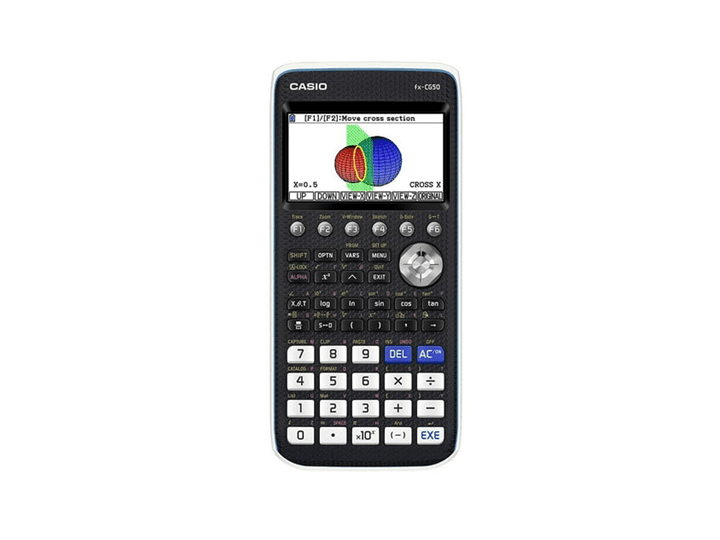
Casio FX-CG50
A-level maths, graphing functions, and statistics visualisation
A common colour graphing option for UK classrooms where graphical calculators are supported.
View on Amazon.co.uk
Guide - Calculator Buying
Graphing calculators are powerful, but they are not automatic upgrades for every student. They make sense when visualising functions, statistics, and modelling is part of the course and the teacher supports their use.
Product links go to Amazon.co.uk with the affiliate tag applied.
UK graphing favourite
A-level maths, graphing functions, and statistics visualisation
A common colour graphing option for UK classrooms where graphical calculators are supported.
View on Amazon.co.uk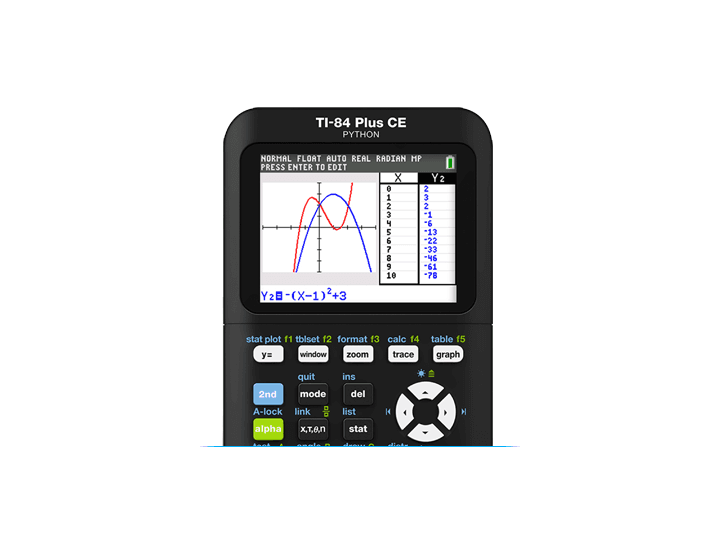
TI ecosystem pick
Students and tutors already using the TI graphing workflow
A widely recognised graphing-calculator family with strong teaching resources and a colour display.
View on Amazon.co.uk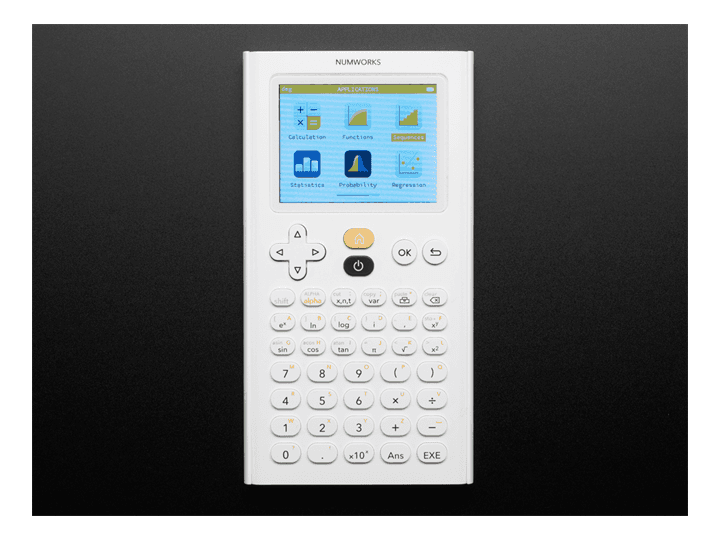
Modern interface
Learners who want a simpler menu system and Python-style exploration
Known for a cleaner interface than many older graphing calculators, with strong self-study appeal.
View on Amazon.co.ukGraphing calculators are useful when you regularly need to plot functions, inspect intersections, analyse statistics, work with sequences, or explore transformations. For visual learners, seeing the curve can make algebra less abstract.
They are less useful if the course only requires standard scientific-calculator skills. For many GCSE students, a good scientific calculator is enough and easier to learn.
JCQ guidance says graphical calculators are allowed unless the awarding body's specification prohibits them, provided the calculator complies with the rules during the exam. Many models use exam mode to lock down storage or restricted functions.
Be especially careful with CAS, symbolic algebra, symbolic calculus, stored notes, communication, and apps. A calculator that is fine for homework may not be compliant in an exam unless exam mode is active and accepted by the centre.
A colour screen, high resolution, responsive graphing, USB charging or common batteries, and reliable software updates all matter. So does a good manual: graphing calculators reward practice.
If the class uses one brand or model, follow that ecosystem. The difference between two button layouts can matter when a teacher is demonstrating a method at speed.
| Use case | Best choice | Main caution |
|---|---|---|
| GCSE | Usually scientific | Graphing may be unnecessary and costly |
| A-level maths | Supported graphing calculator | Check exam mode and teacher support |
| University maths or engineering | Graphing or CAS if permitted | Department rules may differ from school rules |
| Self-study and modelling | Colour graphing calculator | Budget time to learn the interface |
Only if you need graphing, statistics visualisation, or modelling tools. For many school tasks, a scientific calculator is cheaper, simpler, and enough.
Graphing calculators can be allowed unless the qualification rules prohibit them, but they must comply with the calculator rules during the exam. Check exam mode and centre policy before buying.
CAS means computer algebra system. It can manipulate algebra symbolically, which is commonly restricted in school exams. If you need an exam calculator, avoid CAS unless your exam provider explicitly permits it.