Compact tape pick
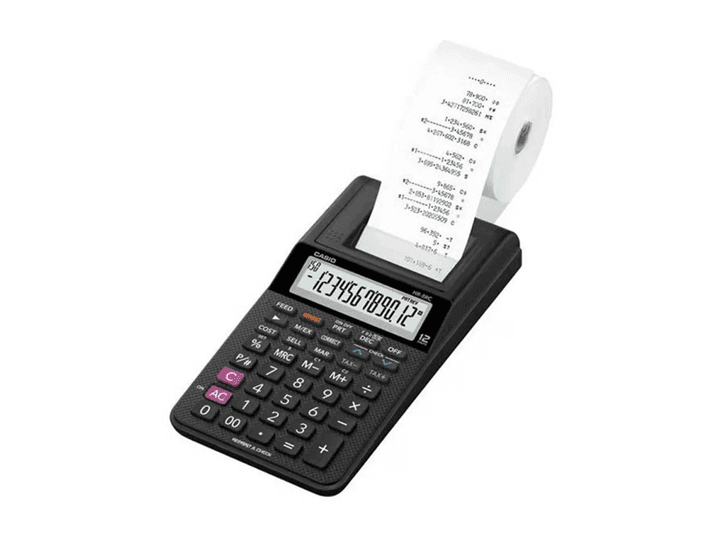
Casio HR-8RCE Printing Calculator
Home office receipts, VAT checks, and portable adding-machine work
A compact printing-calculator style that suits occasional desk work without taking over the workspace.
View on Amazon.co.uk
Guide - Calculator Buying
Printing calculators are still useful anywhere a visible audit trail matters: tills, petty cash, VAT checks, bookkeeping, charity treasuries, and desk-based invoice work.
Product links go to Amazon.co.uk with the affiliate tag applied.
Compact tape pick
Home office receipts, VAT checks, and portable adding-machine work
A compact printing-calculator style that suits occasional desk work without taking over the workspace.
View on Amazon.co.uk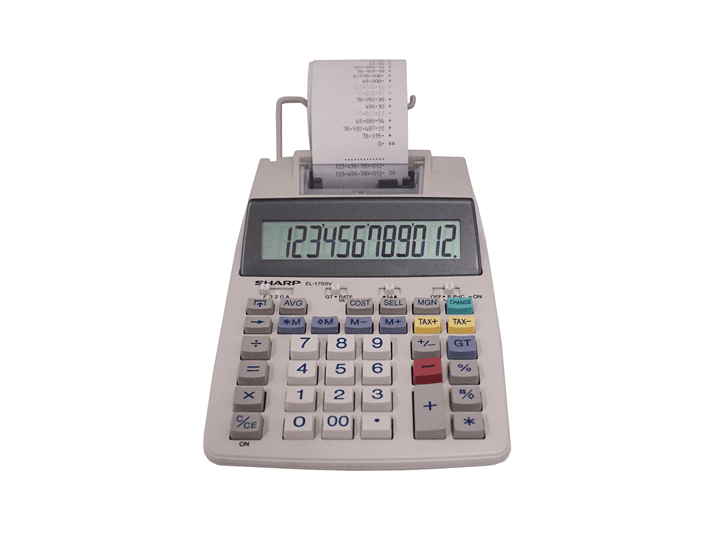
Desk workhorse
Regular bookkeeping, cashing-up, and invoice batches
A full-size desktop adding-machine format with the larger keys people expect for repeated entry.
View on Amazon.co.uk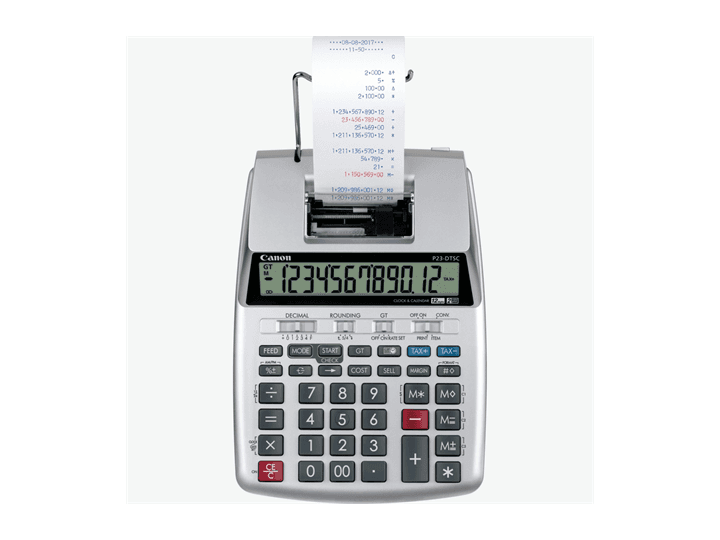
Portable business pick
Counters, small offices, and mobile paperwork
A frequently bought portable print calculator style with tax and business desk functions.
View on Amazon.co.ukThe paper tape is the point. It gives you a quick record of additions, subtractions, VAT adjustments, discounts, and corrections without opening a spreadsheet.
For businesses that reconcile cash, process invoices, or check batches of receipts, the tape makes errors easier to find and totals easier to approve.
Some printing calculators use ink rollers or ribbons, while others use thermal paper. Ink models usually print on plain adding-machine rolls; thermal models need compatible thermal rolls.
Before buying, check the paper width, roll availability, ink or ribbon code, and whether replacements are easy to find in the UK.
Look for a 12-digit display, tax keys, grand total, item count, decimal selectors, rounding selectors, markup and markdown, plus a clear keyboard with large addition and subtraction keys.
If the calculator will live on a counter, mains power matters. Battery-only printing calculators can be portable, but printing uses more power than a normal calculator.
| Need | Best fit | Check |
|---|---|---|
| Occasional receipts | Compact printing calculator | Battery life and roll size |
| Bookkeeping desk | Full-size desktop adding machine | Mains power, big keys, fast print |
| VAT and invoices | Tax-key printing calculator | Easy VAT-rate setup |
| Audit trail | Two-colour print if available | Positive and negative entries stand out |
Yes, if you need a quick paper trail for batches of figures. They are especially useful for tills, invoices, cash reconciliation, and bookkeeping checks.
Ink or ribbon models can use plain paper rolls but need ink replacements. Thermal models avoid ink but require thermal paper. Check consumable availability before choosing.
For casual use, yes. For counter work, receipt batches, or a physical audit trail, a dedicated printing calculator is still more convenient.